
How to Purchase Airtime on the Apex Network App

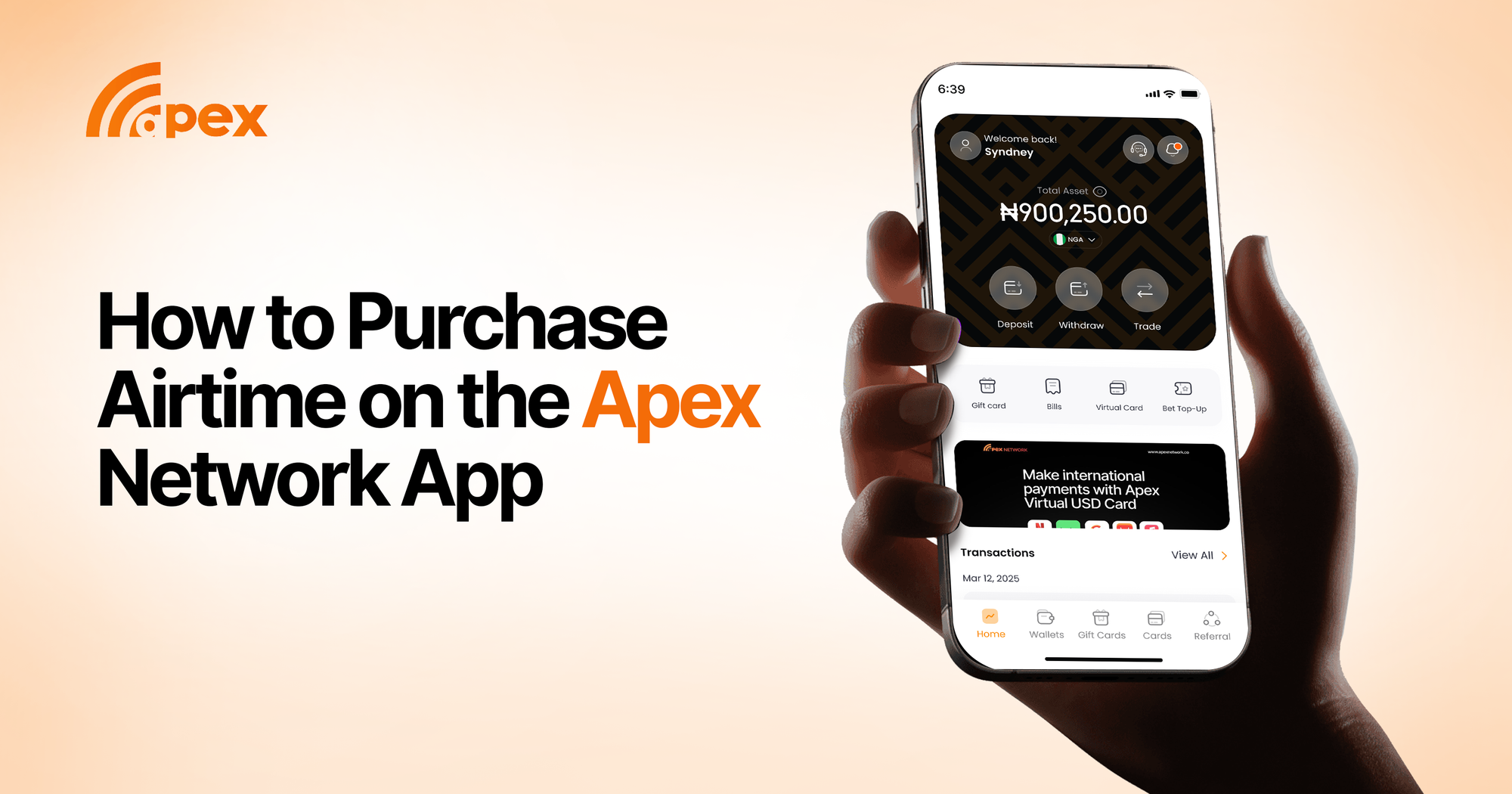
Staying connected should be simple. With the Apex Network app, buying airtime is quick, secure, and available anytime you need it. Whether you are topping up for yourself or sending airtime to family and friends, the process is straightforward and stress-free.
Why Buy Airtime on Apex Network?
The app is built to make payments faster and more reliable. Instead of walking to a recharge vendor or struggling with shortcodes, you can load airtime in seconds from your phone. Plus, every transaction is secure, so your money is safe.
Steps to Buy Airtime on the App
- Log in to your Apex Network accountOpen the app and sign in with your phone number or email. New users can create an account in just a few steps.
- Go to “Bills”From the home dashboard, tap Bills. This will take you to the airtime purchase section.
- Select “Airtime”Choose Airtime, then set your payment wallet to Naira.
- Choose your network providerSelect the right network - MTN, Airtel, Glo, or 9mobile - to make sure your recharge is successful.
- Enter the phone numberType in the number you want to recharge. You can also pick directly from your contacts.
- Enter the amountSpecify how much airtime you want to buy. The app supports flexible amounts to suit your needs.
- Confirm and payDouble-check your details, then complete the payment. Your airtime is delivered instantly.
Benefits of Using the App for Airtime Purchases
- Speed: Recharge in less than a minute.
- Convenience: No need to search for recharge cards.
- Reliability: Transactions are instant and secure.
- Flexibility: Recharge any amount that suits you.
Final Thoughts
With the Apex Network app, buying airtime is no longer a hassle. It is a smooth process that saves time and keeps you connected without interruptions.
Download the app today and enjoy the ease of recharging anytime, anywhere.