
How to Pay for Google Cloud and Google Workspace in Nigeria

If you run a business, host apps, or manage a team on Google Workspace or Google Cloud Platform (GCP), you've probably hit the same wall many Nigerian users face: your card gets declined at checkout, or a payment that worked once fails on the next billing cycle. This isn't unique to Google. It's a broader problem with how Nigerian banks handle international transactions, and it has a straightforward fix.
Why Do Google Cloud and Workspace Payments Fail in Nigeria?
Google Cloud and Workspace both bill in USD (or another foreign currency, depending on your account region) and rely on recurring, automated charges. That combination exposes exactly where Nigerian debit cards tend to struggle:
- International transactions are disabled or capped on the card
- The bank blocks recurring or "card not present" charges
- Monthly foreign spending limits are reached
- Currency conversion checks flag the transaction
- The card simply isn't supported for business or cloud billing
Because GCP and Workspace charges are usage based and recur automatically, a single blocked payment can suspend your services, your email, or your entire team's Workspace access with very little warning.
What Is a Virtual Dollar Card?
A virtual dollar card is a USD denominated card that exists digitally. It comes with a card number, expiry date, and CVV, just like a physical Visa or Mastercard, but you fund it yourself instead of linking it to your bank balance. Because it's built for international online payments, it isn't subject to the restrictions many Nigerian banks place on foreign transactions.
This makes it a practical option for any recurring international billing, including Google Cloud, Google Workspace, AWS, Microsoft 365, Zoom, and similar services.
Why a Virtual Dollar Card Works Better for Google Billing
For anyone running production workloads on GCP or relying on Workspace for business email, that last row matters most. A failed renewal on a personal subscription is annoying. A failed renewal on Workspace or Cloud billing can take down your team's email or your live infrastructure.
How to Pay for Google Workspace in Nigeria with a Virtual Dollar Card
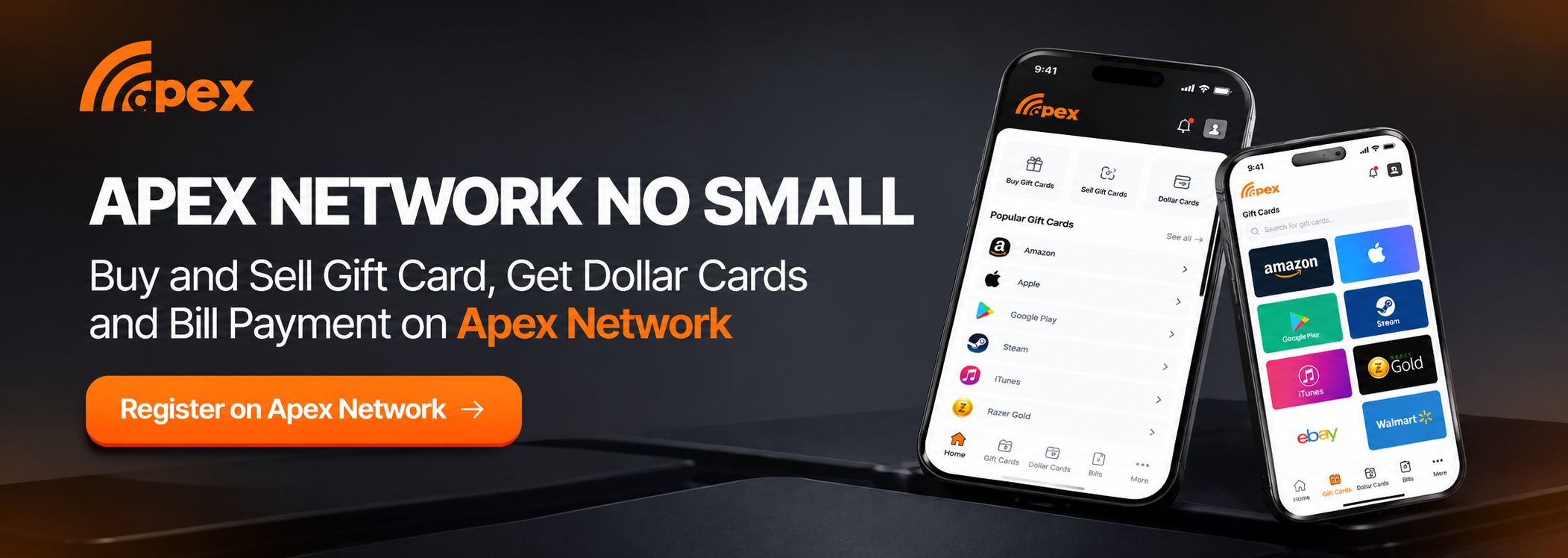
1. Create your virtual dollar card. Sign up with Apex Network, verify your account, and generate a USD virtual card. You'll get a billing address within minutes.
2. Fund the card. Load enough to cover your Workspace plan for the billing period, plus a small buffer for currency fluctuation or authorisation holds.
3. Go to your Google Admin console. Sign in at admin.google.com with your administrator account.
4. Open Billing. From the Admin console menu, go to Billing, then Payment accounts.
5. Add or update your payment method. Select "Add payment method", choose credit or debit card, and enter your virtual card's number, expiry date, and CVV.
6. Set it as the default payment method. This ensures Workspace charges the virtual card automatically each billing cycle.
7. Confirm and save. Google will typically run a small verification charge. Once it clears, your Workspace subscription is active and will renew automatically as long as the card stays funded.
How to Pay for Google Cloud (GCP) in Nigeria with a Virtual Dollar Card
1. Fund your virtual dollar card, the same way as above, ideally with a bit more buffer since Cloud usage costs can vary month to month.
2. Open Google Cloud Console. Go to console.cloud.google.com and sign in.
3. Navigate to Billing. From the left menu, select Billing, then choose the billing account linked to your project (or create one if it's your first time).
4. Add a payment method. Go to Payment methods, then "Add payment method," and select credit or debit card.
5. Enter your virtual card details. Input the card number, expiry date, CVV, and billing address associated with your account.
6. Link the payment method to your billing account. Make sure it's set as the primary method so Google charges it for your usage.
7. Monitor your usage and budget. GCP charges are based on consumption, not a flat fee, so set up budget alerts in the Billing section to avoid surprise charges or running low on your card balance.
Common Payment Problems and How to Fix Them
Tips for Avoiding Interruptions
- Fund your card a few days before your billing date, not on it
- Set budget alerts in Google Cloud so unexpected usage doesn't outpace your card balance
- Remember that Google Workspace and Google Cloud billing are separate. Updating one doesn't update the other
- Turn on transaction notifications from your card provider so you know immediately if a charge fails
- Keep a small buffer balance for authorization holds, which are common on the first charge to a new card
FAQ
Can I use the same virtual dollar card for both Workspace and Cloud billing? Yes, but you'll need to add it separately in each console, since Google Workspace billing and Google Cloud billing are managed independently, even under the same Google account.
Why does Google Cloud charge different amounts each month? GCP billing is usage based. Your charge depends on the compute, storage, and other resources consumed that month, unlike Workspace's flat per user pricing.
Will my services be suspended if a payment fails? Yes, both Workspace and Cloud services can be suspended if a payment fails and isn't resolved, so it's worth setting up alerts and keeping the card funded ahead of time.
Is a virtual dollar card safe for business billing? Yes. It follows standard card security practices, and since you control how much is loaded onto it, it can actually reduce risk compared to linking a primary bank account.
Can I switch back to a regular card later? Yes. You can update the payment method in either console at any time.
Bottom Line
Google Cloud and Google Workspace both depend on smooth, recurring international billing, which is exactly what Nigerian debit cards often struggle with. A virtual dollar card removes that uncertainty: fund it, add it in the Admin console and Cloud console separately, and your subscriptions and infrastructure keep running without unexpected suspensions.